


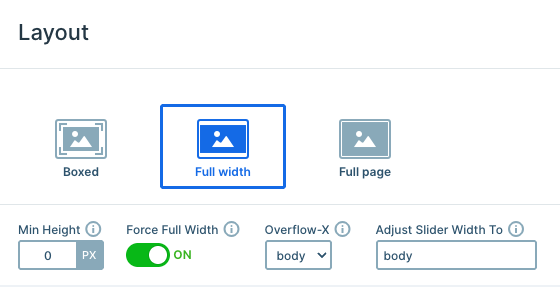
Settings
The E-Sport template uses a full-width layout, so it shows one slide at a time and stretches across the whole browser window. Force Full Width is on as well, which lets the slider break out of its container for a true edge-to-edge look.
Visitors move through the slides with the arrow button in the corner of each roster slide. It uses a Link action to jump to the next slide. On top of that, anyone can simply drag the slider, which feels natural on both desktop and touch screens.
In the Animations tab, the Carousel setting is turned on. So after the last slide, visitors land right back on the team intro.
Layers
Every slide is built from basic layers like rows, columns, headings, text, images, and buttons. The heavy, condensed heading carries most of the personality here, whether it shows the team name, a player tag, or the next matchup.
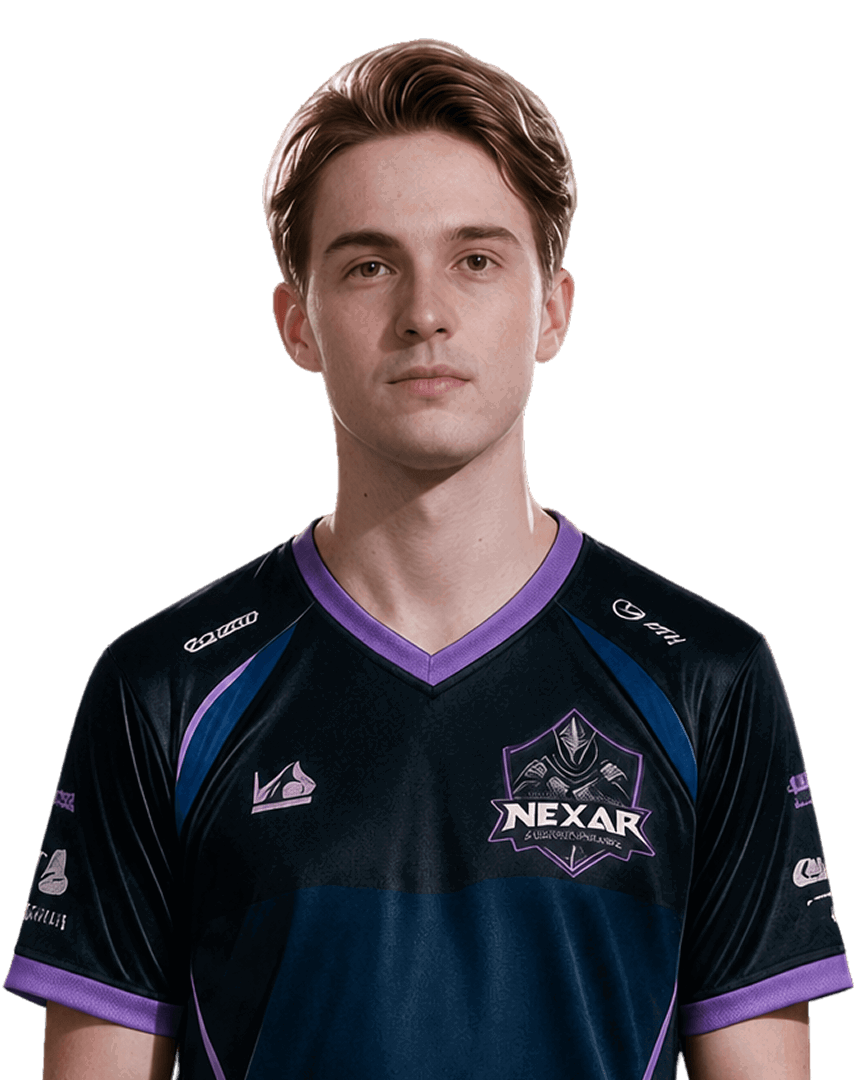
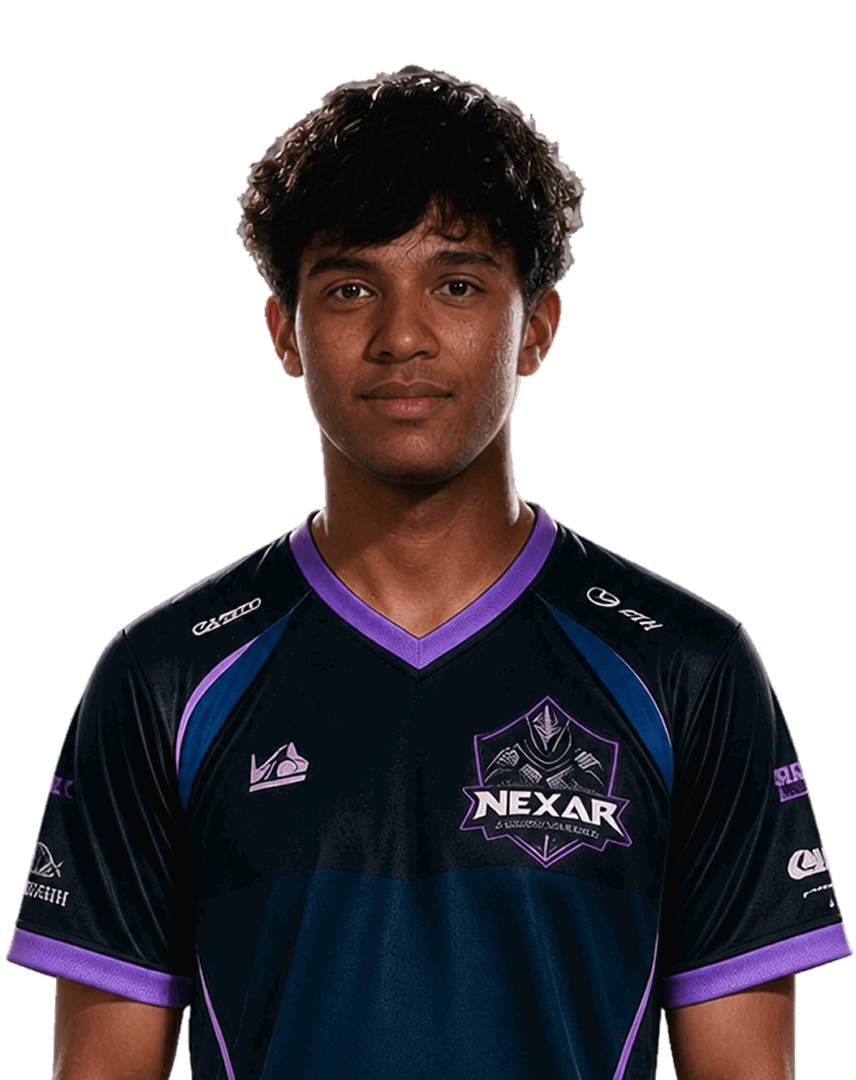
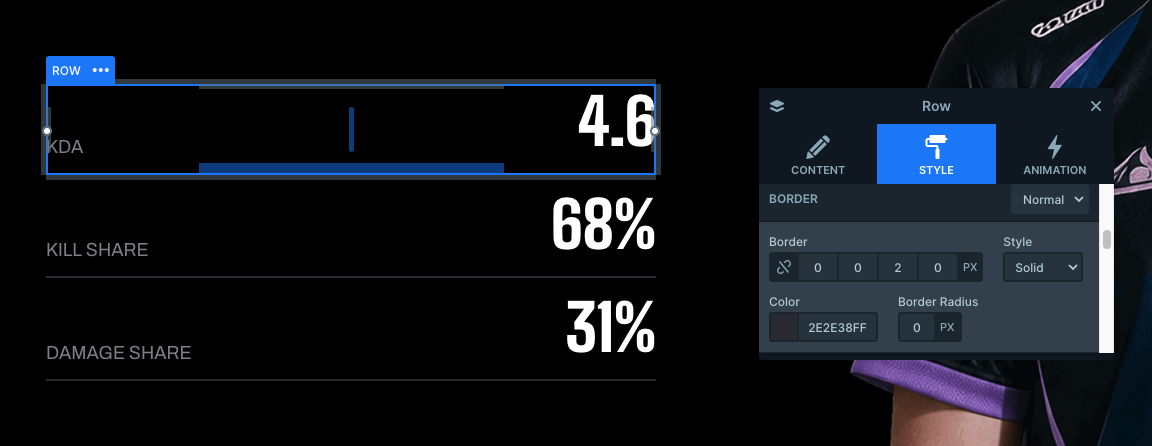
The roster slides add a small team-role logo above each player’s name, plus a short text line with their real name and age. Below that, the stats sit in their own rows. A thin bottom border under each row keeps the numbers easy to scan, almost like a scoreboard.
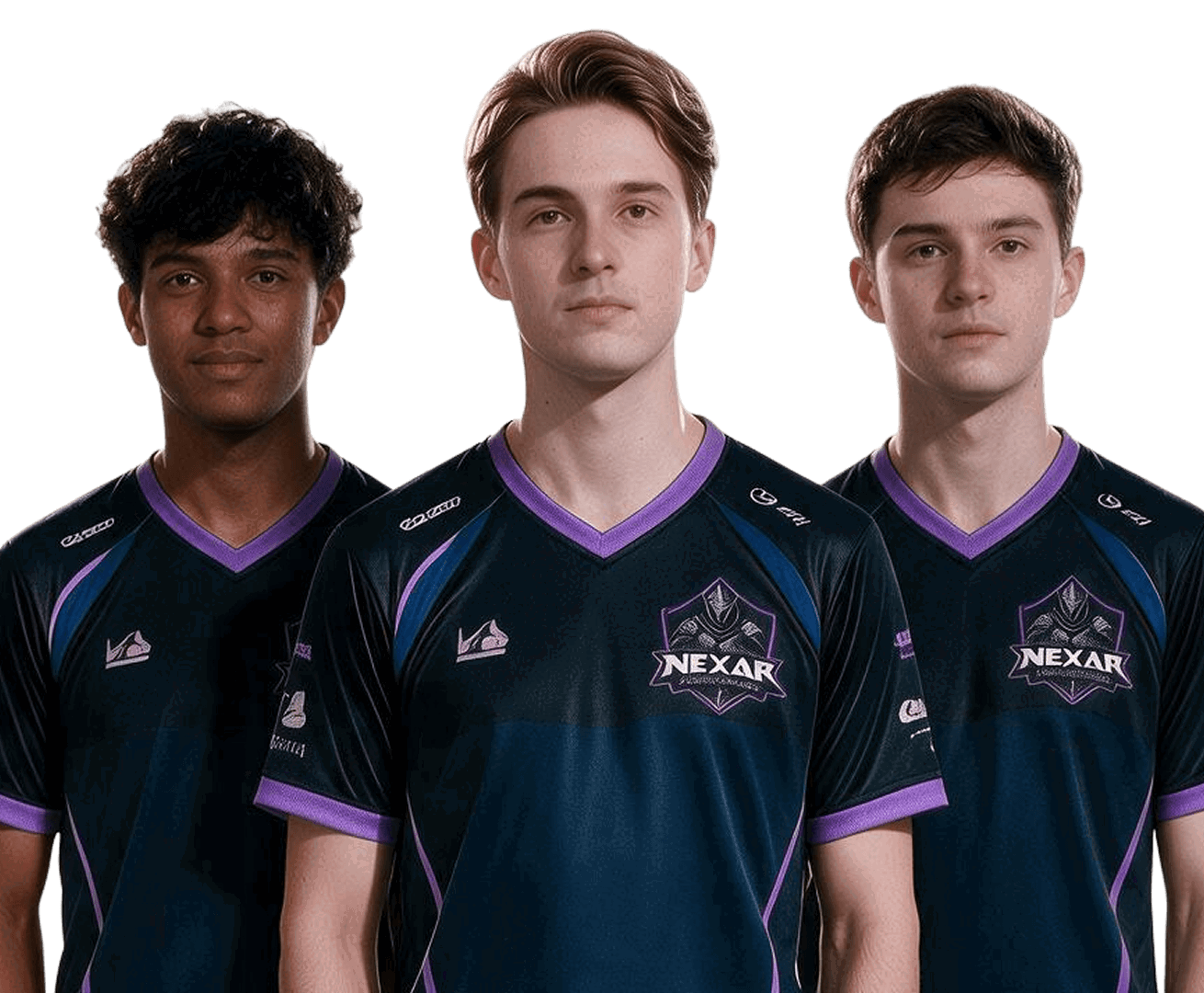
The large, repeated NEXAR lettering behind the players is an image layer with absolute positioning. Because it floats freely, it adds texture to the purple background without pushing the player photos or text around.
Animations
The Main animation is Horizontal, with an 800ms duration and Quad Out easing. That gives each slide change a quick start and a soft landing.
The real energy comes from the IN layer animations. Every layer animates for 800ms, but each one starts 200ms after the one before it. On a roster slide, for example, the logo comes in first, then the player tag, then the name line. After that, the three stat rows follow one by one, while the player photo and the arrow button arrive right away on the other side.
The layer animations play when the main animation ends, and they’re set to Skippable. So if a visitor drags quickly through the roster, they never wait for an animation to finish before the next slide shows up.
Layout
Each slide splits into two columns. The left column holds the content on a black background, while the right column carries the purple panel with the player photos and the lettering behind them. This hard split between black and purple gives every slide the same strong frame.
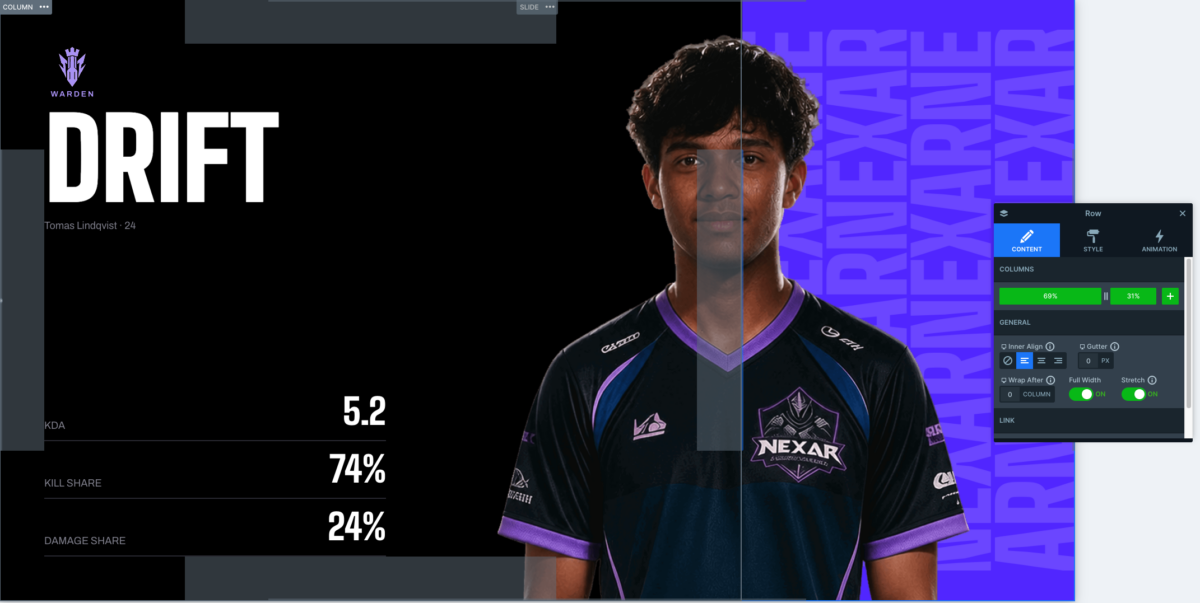
The content side uses nested rows and columns to keep things in order. The stat rows, for instance, each have a label column on the left and a value column on the right. The Next match slide uses the same idea for the start time and date, which sit side by side at the bottom.
On the hero slide, the team name overlaps onto the purple side, which makes the title feel bigger than the column it lives in.
Responsive
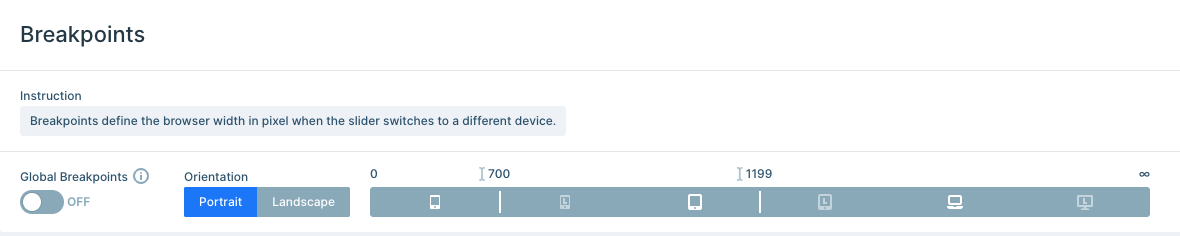
This template uses its own breakpoints instead of the global ones. The slider switches to the tablet view under 1199px and to the mobile view under 700px, which you can adjust in the Breakpoints section of the slider settings.
When the screen gets narrower, the two columns stack on top of each other, and the Font resizer helps the big condensed headings stay readable. You can also fine-tune responsiveness further by hiding layers on specific devices with the Hide on option.